Payroll isn’t just about getting your team paid—it’s about staying compliant, offering great employee benefits, and saving your business time. We've ranked the top 5 payroll solutions for small businesses in 2025, based on functionality, value for money, scalability, and ease of use.

Top 5 payroll solutions for small businesses in 2025

Rank

Platform

Best for

Starting Price

1

Best Overall Payroll Solution

$39/mo + $6/employee

2

All-in-one payroll & HR

$40/mo + $6/employee

3

Tax compliance & Industry-specific

$40/mo + $6/employee

4

Seamless Accounting Integration

$45/mo + $5/employee

5

Fast-growing, Complex Businesses

Custom quote (approx $59+)

6

Hands-on Support & Flexibility

$39/mo + $5/employee

1. Homebase: Best for Free Payroll & Team Management Tools

If you run a small business and you’re tired of juggling five different apps just to keep your team paid and organized, Homebase is hands down the one I’d recommend first. It’s built for people like us, small business owners who don’t have an HR department but still need things to run smoothly. You get payroll, scheduling, time tracking, and team chat all in one place, and it’s actually easy to use.

The best part? A lot of what you need is totally free. You can handle scheduling, track hours, and message your team without paying a cent. Then, when you’re ready to add payroll, you can upgrade. At the time of writing this article, they’re giving 6 months of free payroll on the Payroll and Plus Plans until January 31, 2026, which is an amazing deal.

It also connects effortlessly with things you’re probably already using - Square, QuickBooks, and over 20 other platforms - so you’re not stuck re-entering data everywhere. And with the new AI tools that give you time-saving tips and insights, it honestly feels like having a little assistant that helps you stay on top of everything. Once you start using it, you’ll wonder how you ever managed without it.

Key Features:

  • 6 months of free payroll on Payroll and Plus Plans (until Jan 31, 2026)
  • Free scheduling, time tracking, and team communication
  • Payroll and HR tools built specifically for small businesses
  • AI-powered insights to simplify workflows and save time
  • Integrations with Square, QuickBooks, Toast, Clover, and more
  • Automatic tax filing for federal, state, and local payroll
  • Benefits administration and employee self-service
  • Mobile app for managing payroll and schedules on the go

Pros:

  • Excellent free plan covering scheduling and time tracking
  • Intuitive and easy to use for small business owners
  • Strong integrations with POS and accounting tools
  • AI features that automate repetitive HR tasks
  • Generous 6-month free payroll offer

Cons:

  • Advanced HR features require a paid plan
  • Not designed for enterprise-scale businesses

Reviews From Users

Leave Your Own Review

Pricing

Free tools available. Payroll starts at $39/month + $6 per employee, with 6 months free on the Payroll and Plus Plans through January 2026.

Best For

Small businesses that want an all-in-one system to manage scheduling, time tracking, communication, and payroll... Without breaking the bank.

Why We Picked It:

Homebase is a game-changer for small business owners who want big-business tools without big-business costs. Their generous free plan gives you scheduling, time tracking, and communication tools that can easily replace multiple paid apps. Once you’re ready to start payroll, you can upgrade and still save, especially with their 6-month free offer. The system’s integration with major platforms like Square and QuickBooks makes it even more valuable, and the new AI-powered tools are a great touch for busy owners who want to work smarter, not harder. For simplicity, savings, and smart automation, Homebase is the clear #1 pick.

If you're looking for a solid payroll system and don’t want to overcomplicate things, I’d seriously recommend Gusto. I’ve seen a lot of options out there, and Gusto consistently comes out on top, especially for small business owners. It’s super intuitive, the automation features save a ton of time, and it integrates really well with benefits too. Even if someone’s never run payroll before, Gusto makes the whole process feel surprisingly manageable. It’s just one of those tools that gets it right.

Key Features:

  • Full-service payroll with automated federal, state, and local tax filings
  • Unlimited payroll runs
  • Benefits management (health, dental, vision, 401(k), HSA/FSA)
  • Contractor payments and multi-state payroll support
  • Time tracking and PTO management
  • List Employee self-service onboarding
  • Integrations with QuickBooks, Xero, and time-tracking tools

Pros:

  • Exceptionally user-friendly interface
  • Comprehensive HR and benefits tools
  • Transparent, tiered pricing with no hidden fees
  • Scalable plans for growing teams
  • Highly rated customer support

Cons:

  • Benefits not available in every state
  • Some HR features require higher-tier plans

Reviews From Users

Leave Your Own Review

Pricing

Starts at $40/month + $6 per employee. Higher-tier plans (e.g., Plus, Premium) offer additional HR features.

Best For

Small businesses that want an all-in-one payroll and HR platform that’s easy to use and scales as they grow.

Why We Picked It:

Gusto is like that reliable worker who always has your back when it comes to payroll and HR tasks. It's incredibly user-friendly, making the daunting process of payroll feel like a breeze. Beyond just cutting paychecks, Gusto offers a suite of benefits like health insurance and retirement plans, which can make your company more attractive to potential hires. Plus, it automates tax filings, so you can sleep easy knowing that compliance is handled. Their customer support is top-notch, always ready to assist when you have questions. If you're looking for a comprehensive solution that grows with your business, Gusto is a solid choice.

If you’re trying to keep things simple and cost-effective but still want something solid for payroll and HR, OnPay is definitely worth a look. I’ve recommended it a few times—especially to people working in niche industries like farming, nonprofits, or other areas where tax rules can get a little tricky. It’s not flashy or loaded with extras you’ll never use, but that’s kind of the point. What it does, it does really well. The platform handles tax compliance with impressive accuracy, and it’s designed to cover all the core needs without overwhelming you with complexity or hidden fees. It’s perfect for folks who want a dependable, no-nonsense payroll system that gets the job done without eating up their budget—or their time.

Key Features:

  • Automated tax filings for federal, state, and local jurisdictions
  • Unlimited monthly payroll runs
  • Built-in support for multi-state and multi-schedule payroll
  • Benefits administration (health, dental, vision, 401(k), HSA/FSA)
  • Employee self-service onboarding and document signing
  • Integration with QuickBooks, Xero, and time-tracking platforms

Pros:

  • Affordable flat-rate pricing
  • Strong focus on compliance and tax accuracy
  • Supports W-2 and 1099 workers
  • Great for niche industries
  • Responsive customer service

Cons:

  • No mobile payroll processing app
  • Interface is functional but less modern than others

Reviews From Users

Leave Your Own Review

Pricing

$40/month + $6 per employee. All features included. No pricing tiers.

Best For

Businesses that need accurate tax handling, multi-state payroll, and affordability.

Why We Picked It:

OnPay is a gem for businesses with unique needs, especially those in specialized industries like agriculture or nonprofits. It simplifies the complex world of tax compliance, handling federal, state, and local filings effortlessly. The platform is straightforward, so you won't get lost in a maze of features you don't need. OnPay also offers benefits administration, including health insurance and 401(k) plans, which is impressive for its price point. Their customer service is friendly and responsive, making the whole experience smooth. If your business has specific requirements and you want a hassle-free payroll solution, OnPay is worth considering.

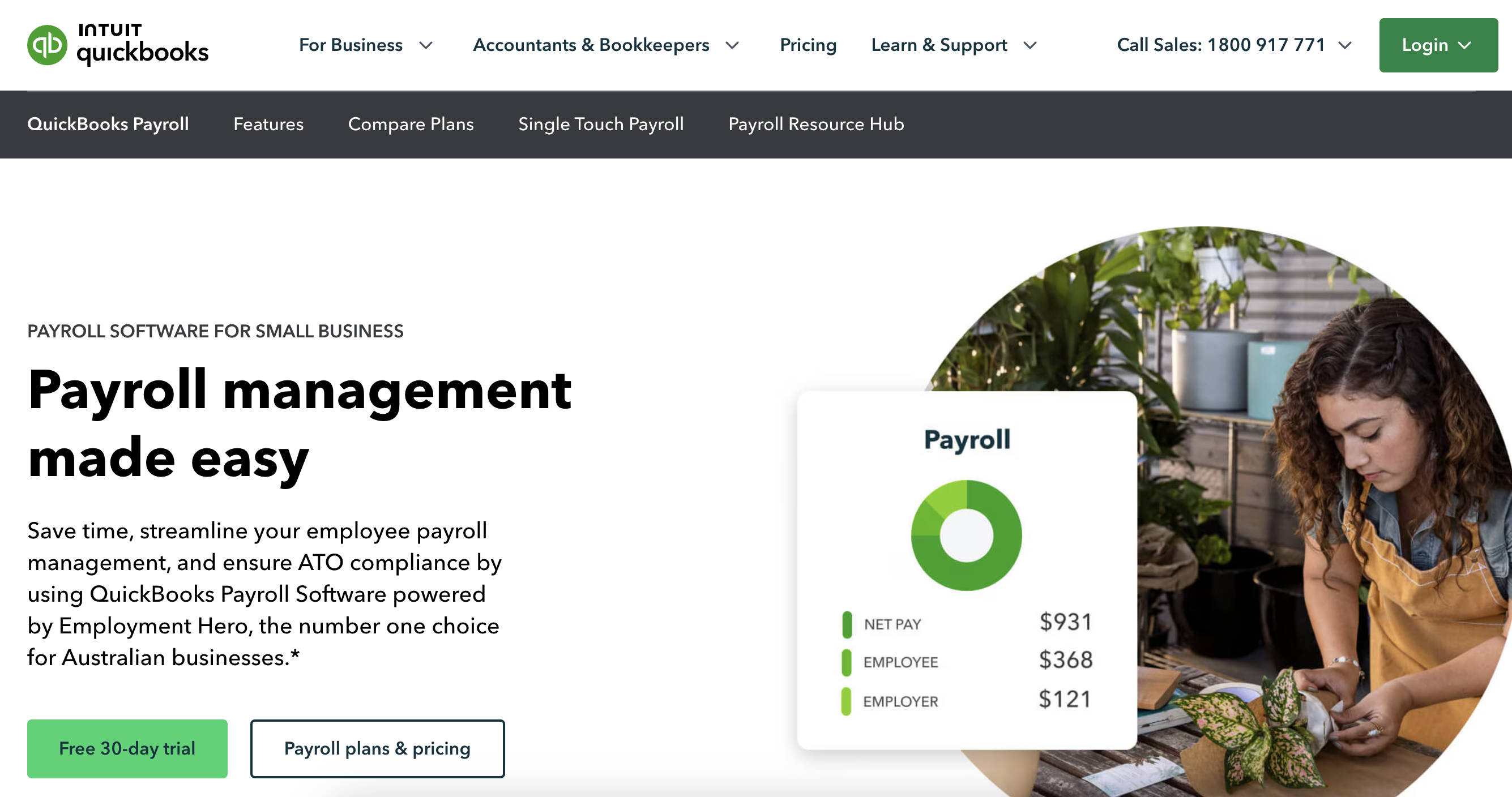
If you're already using QuickBooks for bookkeeping, then QuickBooks Payroll is a really smart next step. I’ve seen it work exceptionally well for businesses that want everything connected in one place—accounting, payroll, and tax filing all syncing together smoothly. The integration between the two platforms is seamless, so you’re not stuck manually entering data or cross-checking numbers across different systems. It saves a ton of time and reduces the chance of errors, especially around things like payroll tax calculations and end-of-year reporting. It’s especially handy for small to mid-sized businesses that want to streamline their financial processes without having to jump between multiple tools. If the goal is to make things more efficient and less stressful, this combo really delivers.

Key Features:

  • Same-day direct deposit
  • Automated tax filings and year-end W-2/1099 prep
  • Mobile app for payroll on the go
  • Health benefits, 401(k), workers’ comp
  • Employee self-service portal
  • Time tracking (in higher-tier plans)
  • Full integration with QuickBooks Online

Pros:

  • Perfect accounting and payroll sync
  • Fast payroll execution with same-day deposits
  • Easy to use for existing QuickBooks users
  • Strong reporting capabilities
  • Mobile payroll support

Cons:

  • Pricier than competitors
  • Best features reserved for top-tier plans
  • Less ideal for businesses not using QuickBooks

Reviews From Users

Leave Your Own Review

Pricing

Starts at $45/month + $5 per employee. Discounts often available for first 3 months.

Best For

Businesses that already use QuickBooks and want a streamlined accounting + payroll experience.

Why We Picked It:

If you're already using QuickBooks for your accounting, integrating QuickBooks Payroll is a no-brainer. It syncs seamlessly, reducing the need for duplicate data entry and minimizing errors. The platform offers same-day direct deposit, which your employees will appreciate. It also takes care of tax calculations and filings automatically, saving you time and potential headaches. While it might be a bit pricier than some competitors, the convenience of having your accounting and payroll in one place can be well worth it. For a streamlined financial workflow, QuickBooks Payroll is a strong contender.

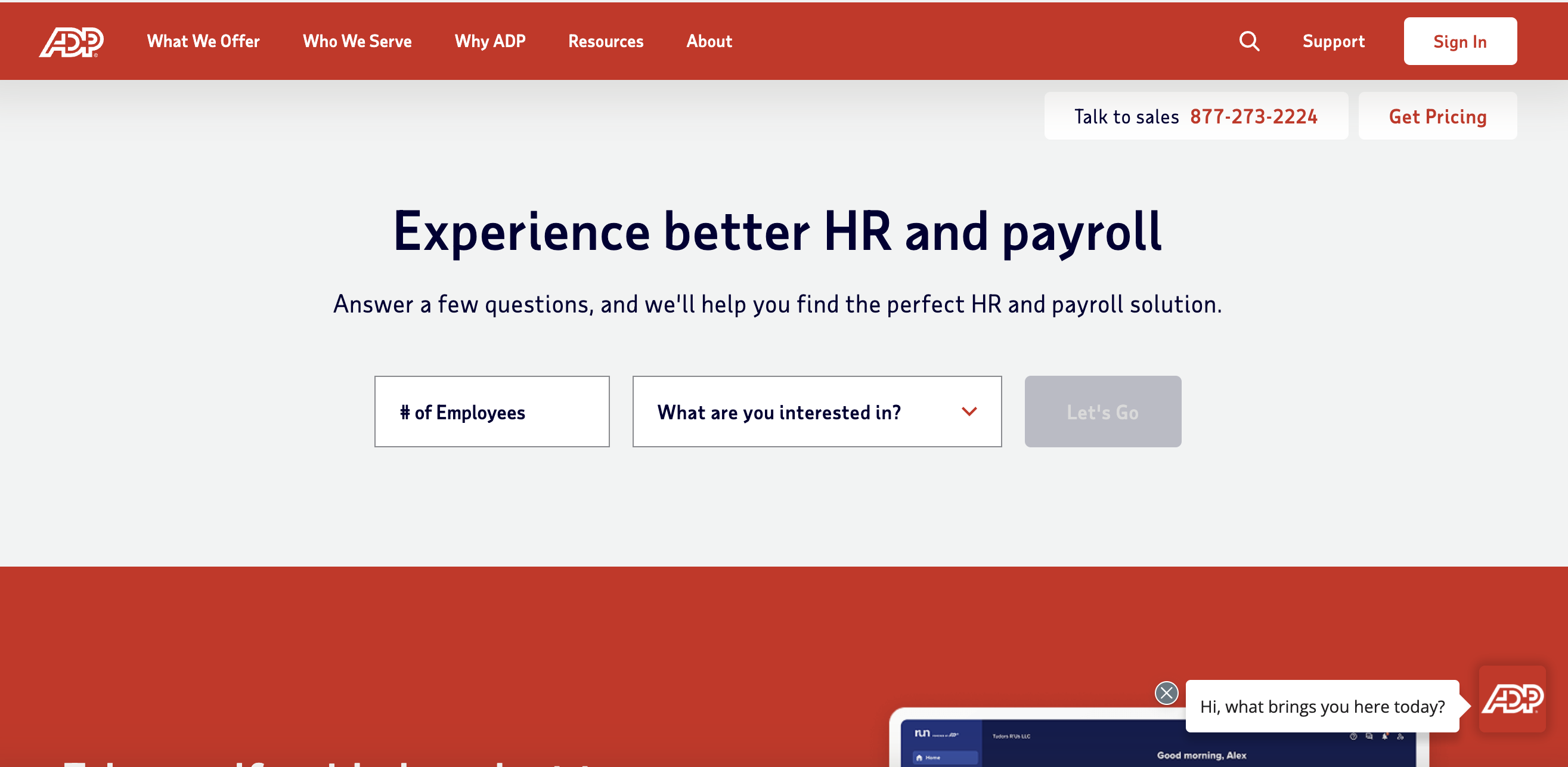
If you're looking for a payroll solution that can really grow with their business, ADP RUN is a great one to consider. It’s built by ADP—one of the most established names in the payroll space—so there’s a lot of trust and reliability behind it. I’ve seen it used by everything from brand-new startups to companies that have scaled up significantly over time, and it handles that growth really well. It’s cloud-based, which means it’s accessible from anywhere, and it comes packed with features that support not just payroll, but also HR tasks as the team expands. What I like is that you’re not locked into a system that’ll feel too small once your business starts to take off. Whether you’re hiring your first employee or your fiftieth, ADP RUN is designed to adapt without needing a full overhaul.

Key Features:

  • Full-service payroll with automated tax filing
  • Multi-state and international payroll
  • Compliance alerts and legal resources
  • Time and attendance tracking
  • Hiring and onboarding tools
  • Access to HR professionals and support
  • Mobile payroll app

Pros:

  • Scales easily with your business
  • Extensive compliance and HR tools
  • Global payroll capabilities
  • 24/7 customer service
  • Trusted provider for over 70 years

Cons:

  • Pricing isn’t transparent—requires a custom quote
  • Learning curve for small businesses
  • Some features cost extra

Reviews From Users

Leave Your Own Review

Pricing

Custom pricing based on business size and services. Typically starts around $59/month + $4–$6 per employee depending on services.

Best For

Businesses expecting to scale quickly or operate in highly regulated industries.

Why We Picked It:

ADP RUN is like that seasoned mentor who's seen it all and can guide you through the complexities of scaling a business. It's designed to accommodate growth, offering not just payroll but also HR support, benefits administration, and compliance assistance. The platform is flexible, allowing you to add services as your needs evolve. ADP has a long-standing reputation in the industry, providing a sense of security that they know what they're doing. They offer mobile access, so you can manage payroll on the go. While their pricing is customized, the breadth of services makes it a worthwhile investment for businesses with big ambitions.

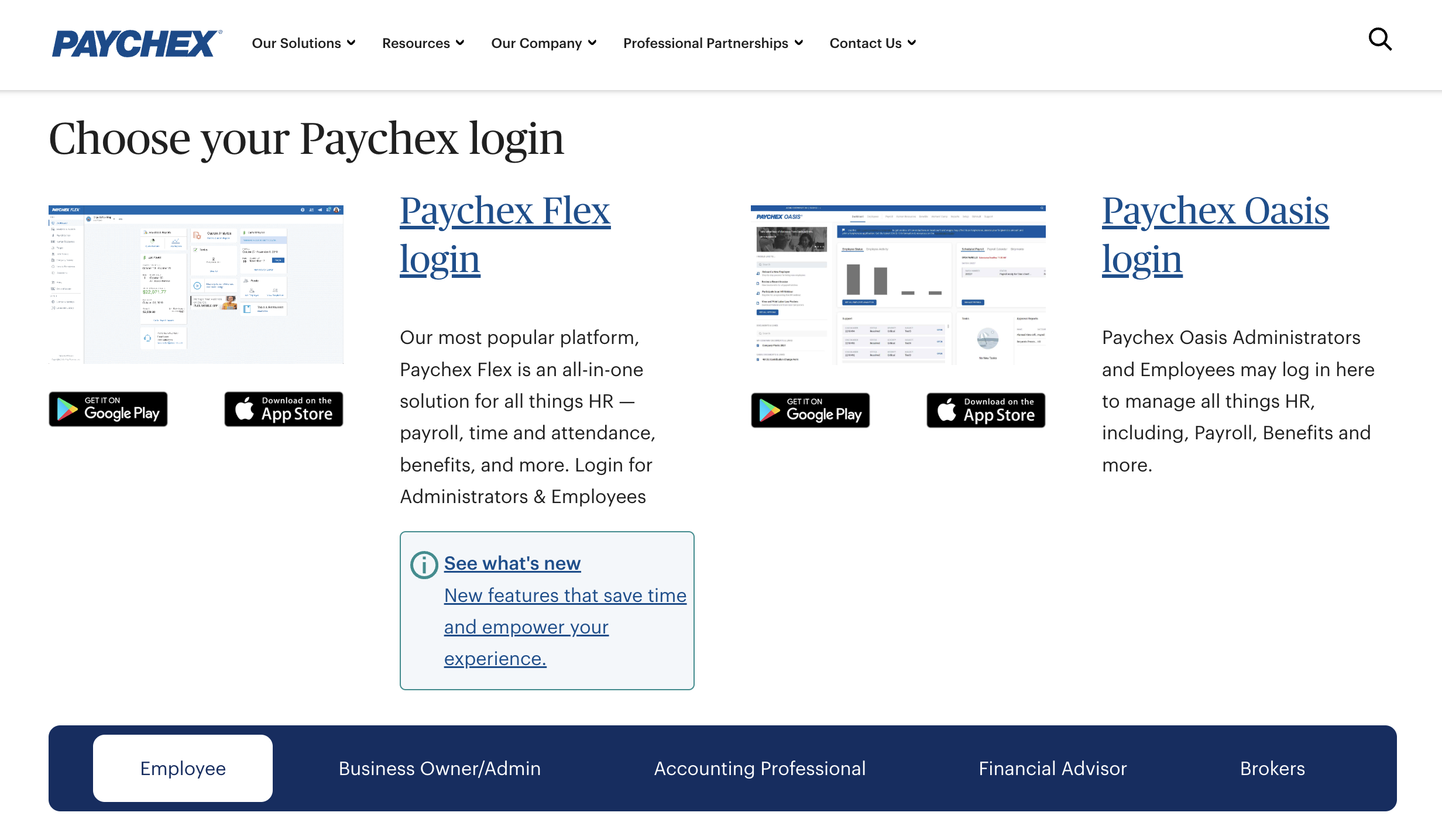
If personal support is high on the priority list, Paychex Flex is one of the few payroll platforms I’d wholeheartedly recommend. It’s got a strong reputation for offering a wide range of payroll and HR features, but what really sets it apart is the level of customer service. I’ve known business owners who aren’t super comfortable with tech or just want someone to talk to when issues come up—and this is the platform that delivers on that. You actually get access to a dedicated payroll specialist, which is rare these days. That means you’re not stuck waiting on generic support or bouncing around between reps. The platform itself is flexible and customizable, so it works for a variety of business types and sizes, but it’s especially helpful for people who want that added peace of mind knowing they can call a real person who actually understands their setup. It’s a great fit for anyone who doesn’t want to feel like they’re navigating payroll alone.

Key Features:

  • Automated payroll and tax filing
  • Benefits integration (health, retirement)
  • Employee self-service portal
  • 24/7 live support and HR advisors
  • Time tracking and scheduling
  • Mobile app for employers and employees
  • Learning management and compliance tools

Pros:

  • Excellent customer service and onboarding help
  • Strong HR and benefits options
  • Flexible add-on modules
  • Great for businesses in regulated industries
  • Easy-to-use mobile app

Cons:

  • Costs can add up with multiple add-ons
  • Interface is functional but not cutting-edge
  • Some features only available in premium plans

Pricing

Starts around $39/month + $5 per employee, but pricing varies based on features selected.

Best For

Small businesses that value expert human support and need help navigating HR or compliance.

Why We Picked It:

Paychex Flex stands out for its personalized customer service. They assign you a dedicated payroll specialist who gets to know your business inside and out. This means when you have questions or issues, you're talking to someone familiar with your specific situation. The platform itself is comprehensive, offering payroll processing, benefits administration, and compliance management. It's user-friendly and also provides mobile access, so you can handle payroll tasks from anywhere. For businesses that value a personal touch and a strong support system, Paychex Flex is a great option.

Final Comparison

  1. 1
    Homebase: Best Overall
  2. 2
    Gusto: All-in-one payroll & HR
  3. 3
    OnPay: Tax compliance & industry-specific
  4. 4
    QuickBooks: Seamless accounting integration
  5. 5
    ADP RUN: Fast-growing, complex businesses
  6. 6
    Paycheck Flex: Hands-on support & flexibility

Next article: Pay Gap Statistics

About the Author Michael Holder

Michael Holder is a writer and researcher specializing in labor economics, pay equity, and workplace fairness. He analyzes wage trends and gender pay disparities, providing data-driven insights to help businesses and policymakers promote fair compensation. His work focuses on practical solutions to close the wage gap and improve workplace equality.

Share your thoughts

Your email address will not be published. Required fields are marked

{"email":"Email address invalid","url":"Website address invalid","required":"Required field missing"}